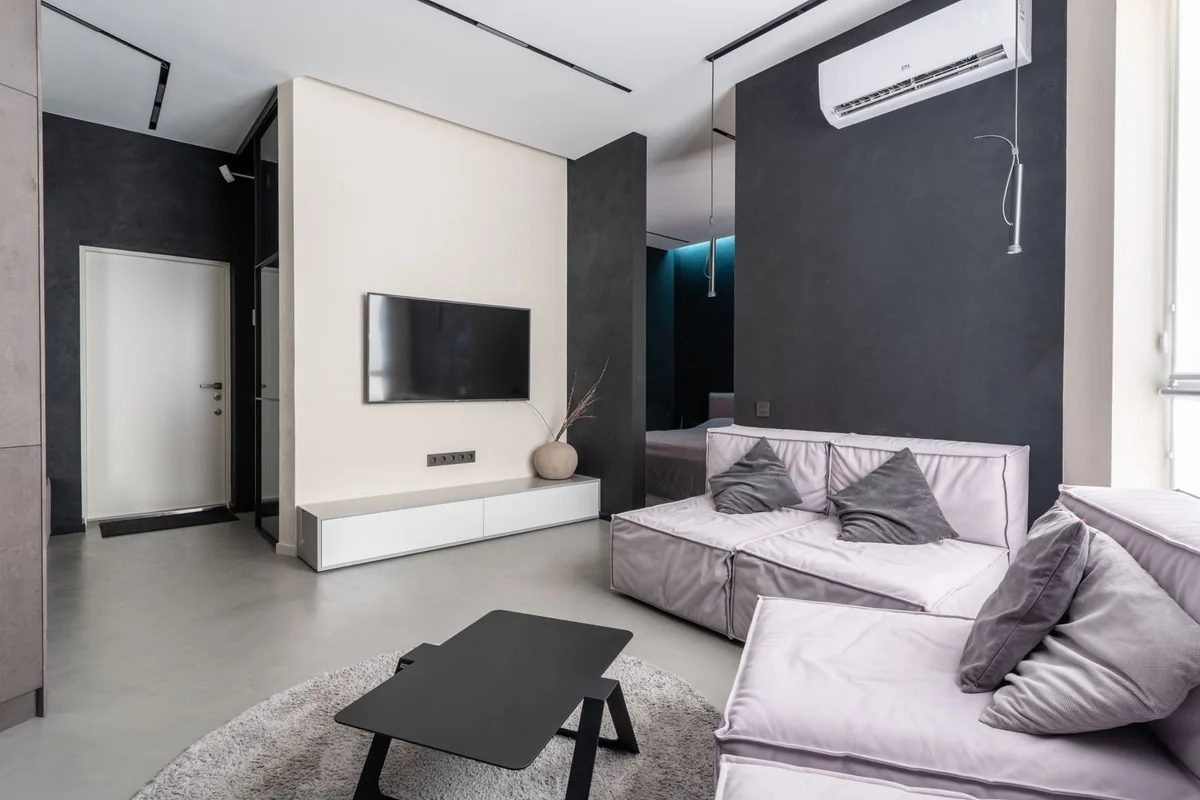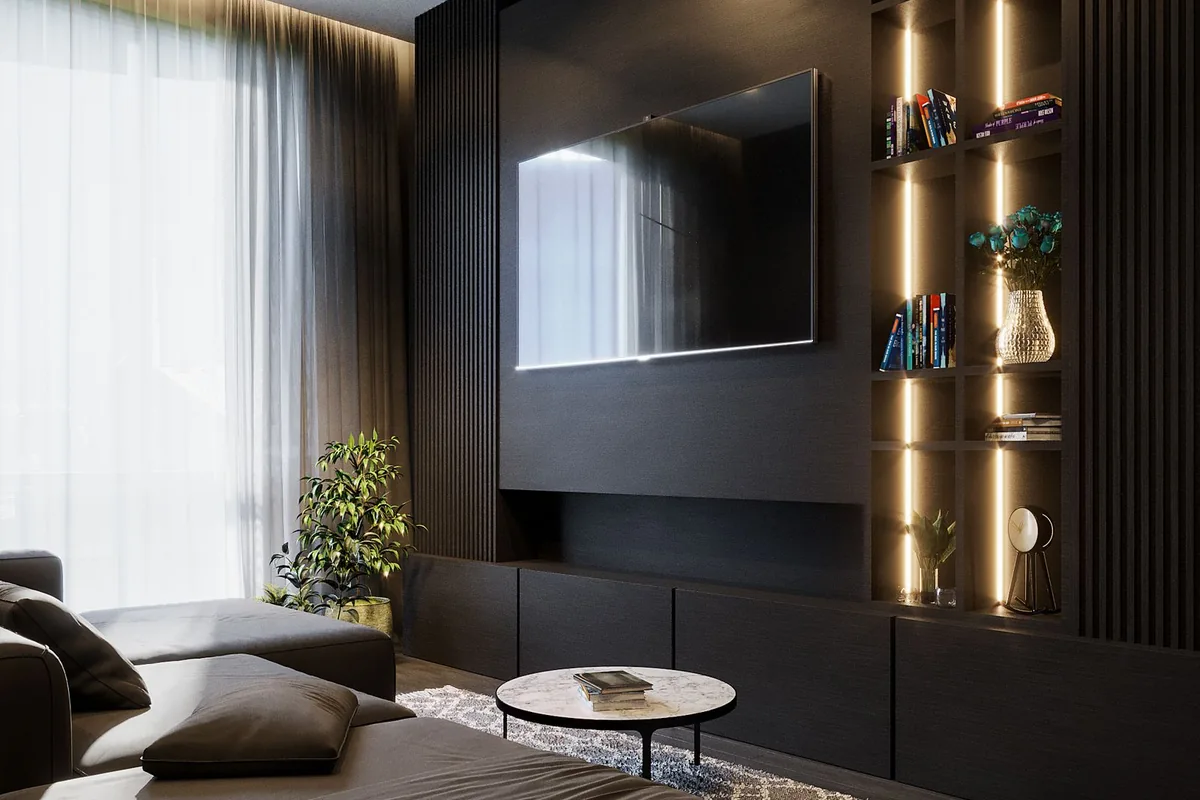
A television can fit on the wall and still fit poorly into the room. The screen may crowd a narrow console, catch the afternoon window, or sit so high that an ordinary movie feels uncomfortable. In a small living room, a good purchase is about the space around the display as much as the display itself.
Begin with the seat you use most often, the furniture that will remain, and the content you watch. This guide draws on manufacturer sizing guidance and practical buying criteria. We are not reporting measured picture performance or recommending one untested model as the best television.
Measure the room you actually use
Measure from the usual viewing position to the planned screen position, and record the available width. Include the stand’s footprint if the television will sit on furniture. Screen size is a diagonal measurement; it does not tell you the overall cabinet width, the distance between feet, or how much depth the stand needs.
Use tape or paper to outline the proposed screen on the wall. Sit down and look at it from the main seat and side seats. This is a useful reality check when a showroom’s large open floor makes every television seem modest. Also measure the route into the room and consider who will safely carry and install it.
Treat viewing-distance advice as a starting point
Samsung’s TV sizing guide explains how viewing distance and resolution influence size selection. Different guides and viewing preferences lead to different suggestions; a formula is not a requirement. You should feel comfortable taking in the picture without continually moving your head.
A smaller room does not automatically need the smallest television. A relatively large 4K screen can suit a closer seating position, but the choice depends on preference, usable wall area, and typical content. Avoid replacing your own comfort with a single shopping rule.
Compare the room scenarios
| Your room | Priority to check | Purchase to reconsider |
|---|---|---|
| Bright with a large window | Reflections and daylight viewing | Choosing solely for dark-room contrast |
| Narrow with side seating | View from every regular seat | Judging only straight ahead |
| Small rented apartment | Stand fit and easy setup | Mounting without permission |
| Shared lounge and workspace | Placement and everyday usability | Screen dominating the whole room |
For a bright room, examine how reflections affect the screen during the hours you actually watch. Manufacturer brightness claims are not a complete description of that experience. If you can view the model in person, assess it with varied content and ask about its viewing modes. A showroom’s saturated demonstration loop is not representative of every film or news broadcast.
Plan the stand, mount, and cables
Check the exact model’s dimensions with and without the stand. Some models use widely spaced feet; others have a central pedestal. A television that seems affordable may require a new console, which changes the total cost. Keep the screen secure and follow installation instructions, especially in homes with children or pets.
Wall mounting can free furniture space, but it requires a suitable wall, correct hardware, and careful placement. Confirm the mounting specification and allow access to ports. Do not assume the existing mount supports a larger replacement. If you need installation help, include that cost before comparing offers.
Picture the connected setup too: streaming device, game console, sound system, and power cables. Count the inputs you need simultaneously. A soundbar can obscure the screen or the remote sensor on a low stand. Check the combined geometry instead of ordering each component independently.
Spend on features you use weekly
For frequent gaming, inspect the exact model’s supported resolutions, refresh rates, and input features with your console or computer. For film watching, consider the supported formats and how you prefer the picture in your room. For ordinary television, straightforward controls and reliable access to your services may matter more than a premium feature you rarely notice.
Smart-TV software is part of the purchase. Check whether your streaming subscriptions are supported in your country, whether an account is required, and what privacy controls are offered. A separate streaming device can sometimes address an app limitation without replacing an otherwise satisfactory screen.
Compare the complete offer
Write down the exact model code, screen size, seller, delivery, installation, return conditions, and warranty coverage. Similar product names can conceal different configurations or regional variants. Do not compare a headline discount without confirming that the model is the one you researched.
Official brand shopping link, not an affiliate link: browse Samsung televisions. Use the manufacturer’s dimensions for the exact model, then compare seller terms. Our tech-deal checklist helps evaluate the offer, while the streaming-device guide may help extend the life of your existing television.
Frequently asked questions
Is a larger TV always better for movies?
No. Size should work with your viewing position, comfort, room, and budget. A large discount is not a reason to crowd the space.
Can a TV stand overhang the console?
Follow the manufacturer’s support and installation requirements. Do not rely on an unstable arrangement to make a purchase fit.
Should I buy a soundbar at the same time?
Only if you need it. Check the TV’s audio in your room and consider dialogue clarity, neighbors, and placement before adding another device.
Sources
Primary reference checked October 7, 2026: Samsung’s television sizing guide and official television catalog. Model dimensions, supported features, installation requirements, availability, and seller terms require a final model-specific check.