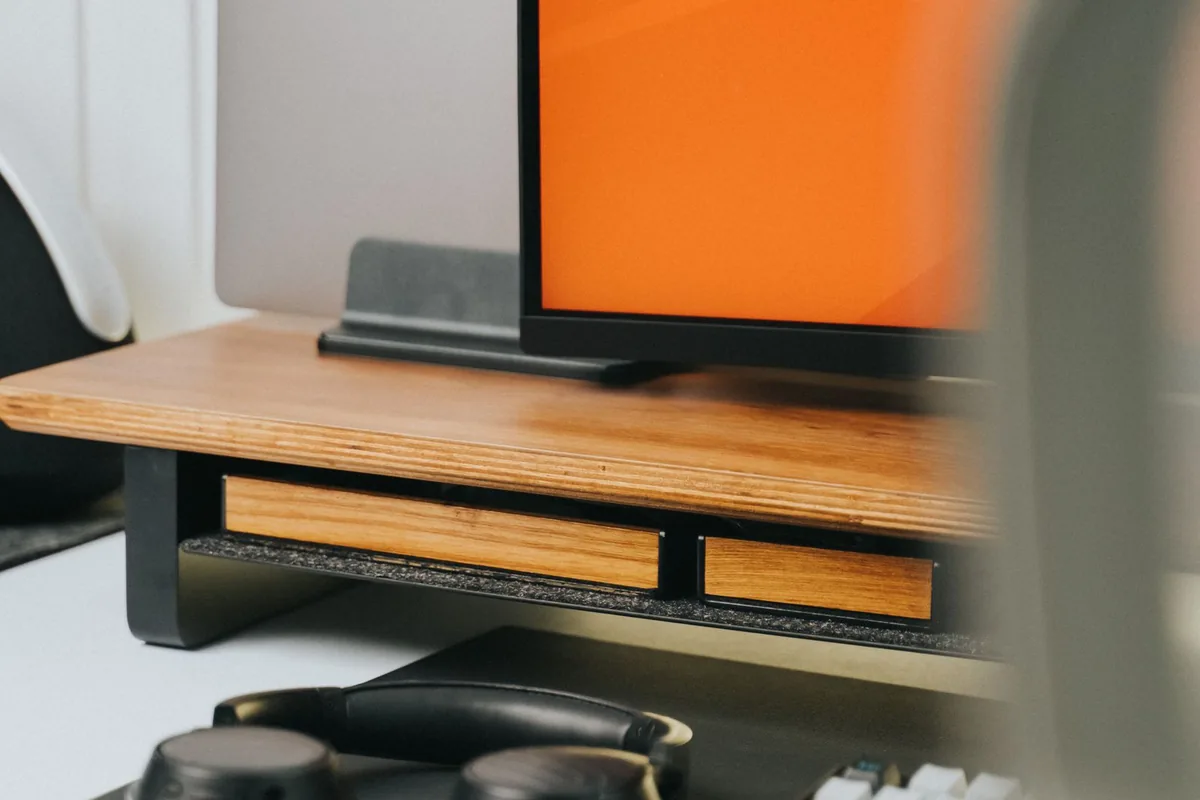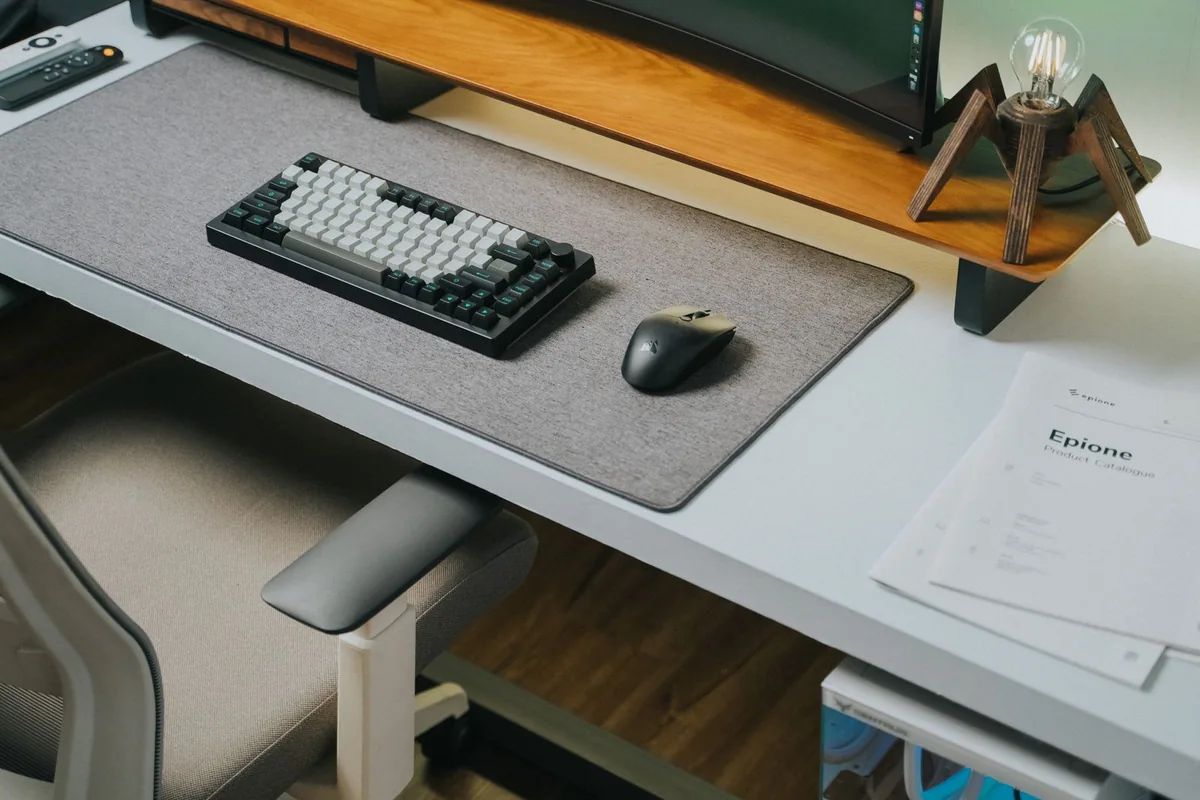
At 8:55 a.m., the kitchen table looks like an office. By lunch, the laptop charger has disappeared behind a chair, a spreadsheet is squeezed beside a video call, and your shoulders are reminding you that this setup was temporary. A better home office begins with identifying that daily friction, not ordering a coordinated collection of expensive accessories.
This guide prioritizes a dependable workspace for email, documents, browser research, and meetings. The recommendations are editorial decisions based on published information and practical compatibility considerations; they are not results of hands-on product testing. Start with the equipment you own and upgrade the part that interrupts your work most often.
Start with one ordinary workday
Write down what happens during a representative day. Do you repeatedly switch between a document and a reference window? Does someone on every call ask you to repeat yourself? Do you move rooms because your desk has no convenient outlet? Those observations identify a useful first purchase. An external display helps visible workspace; a headset addresses communication; a longer approved charging cable may solve a problem that an elaborate dock would leave untouched.
Choose a stable desk position before measuring for accessories. Leave space for a notebook and a drink, and keep frequently used cables within reach. If the table must become a dining surface each evening, compact equipment that packs away easily has more value than a permanent multi-monitor arrangement.
Choose the screen before the dock
A second screen can make reference-heavy work less fiddly, but its footprint matters. Measure both the desktop depth and the monitor stand. Check your laptop documentation for supported external displays, resolution, and ports before purchasing. A high-resolution panel is only useful if your connection can drive it at your intended settings.
A monitor with compatible USB-C charging can sometimes replace a separate hub. That makes sense for one screen and a few peripherals. A dedicated dock becomes more useful when you need wired networking, several accessories, or a repeatable one-cable arrival routine. Avoid paying for duplicate ports before drawing your actual connection map.
Spend on the things you touch
A separate keyboard and mouse let you position your laptop independently from your hands. Compact keyboards save room for a mouse; full-size layouts suit people entering numbers throughout the day. Neither layout is inherently right for every worker. Consider familiar shortcuts, hand preference, connection type, and whether your employer allows configuration software.
For meetings, try improving placement before buying more hardware. Put the camera near eye level, avoid a bright window behind you, and listen to a short recording using the same call application. A USB headset is often a straightforward option when microphone consistency matters more than walking around the house.
Build in stages and know when to stop
The first stage is reliable power and comfortable placement. The second addresses your main workflow limitation, such as screen space or call audio. Only then consider convenience purchases. A matching keyboard, premium webcam, and powerful docking station will not make unreliable home internet disappear.
Skip a desktop-style installation if you spend most of your working week away from home. A portable stand, compact input devices, and a small adapter may suit that routine better. Keep the total budget visible and reserve money for a replacement cable or an unexpected compatibility issue.
Choose by your situation
| Your situation | Useful starting point | Main tradeoff |
|---|---|---|
| Shared dining table | Compact keyboard, portable stand | Easy to clear away; fewer permanent connections |
| Document-heavy desk | One external monitor | More workspace; requires depth and a compatible port |
| Meeting-heavy schedule | Wired USB headset | Simple audio path; cable limits movement |
Before you place the order
Compare the exact model and configuration, not just the product family. Save the listing and the compatibility documentation so you can check what was promised if something arrives differently. Read the seller’s current return conditions, including packaging requirements, shipping charges, and any exclusions for opened items. A lower price is less useful when it removes your opportunity to assess fit or compatibility.
Keep the first setup simple. Connect the essential device or accessory, confirm it works in your normal application, and then add the rest of your equipment. During the return period, try an ordinary full workday or listening routine rather than only the first few minutes. Keep your previous equipment until the replacement has shown it can handle the job.
Frequently asked questions
What should I buy first?
Buy for the interruption you encounter most often. A useful screen or clearer microphone usually deserves priority over decorative accessories.
Do I need a docking station?
Only when your connection requirements justify it. A suitable monitor hub or small adapter can be sufficient for a simple desk.
Sources and shopping information
The following official sources were checked on October 7, 2026. Manufacturer pages can change; confirm current specifications, availability, and the exact regional version before buying. Links labeled manufacturer link lead directly to a brand, without affiliate tracking.